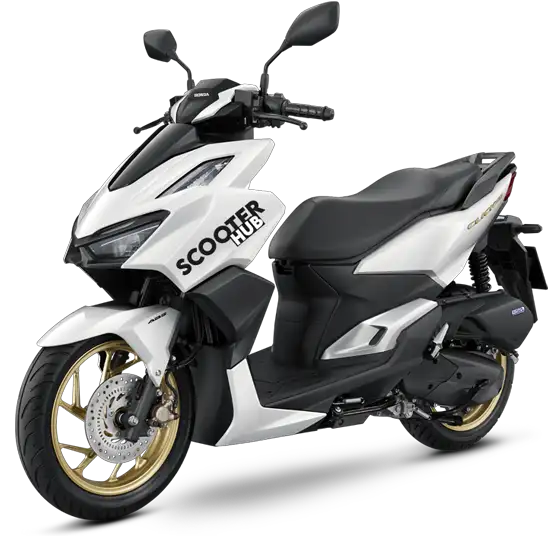

honda click 160 smart key troubleshooting





The Honda Click 160 features a modern smart key system that makes operating your scooter more convenient while also providing enhanced security against theft. This guide will walk you through the basic operating procedures and provide troubleshooting steps if your smart key isn't working as expected.
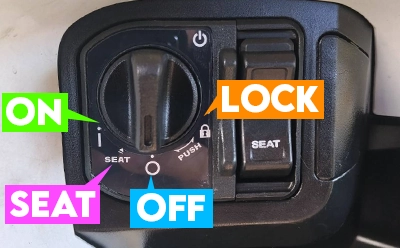
The ignition switch on the Honda Click 160 has four distinct positions:
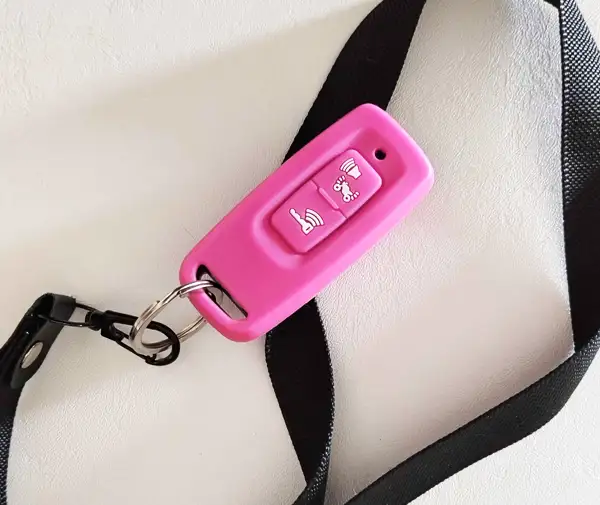
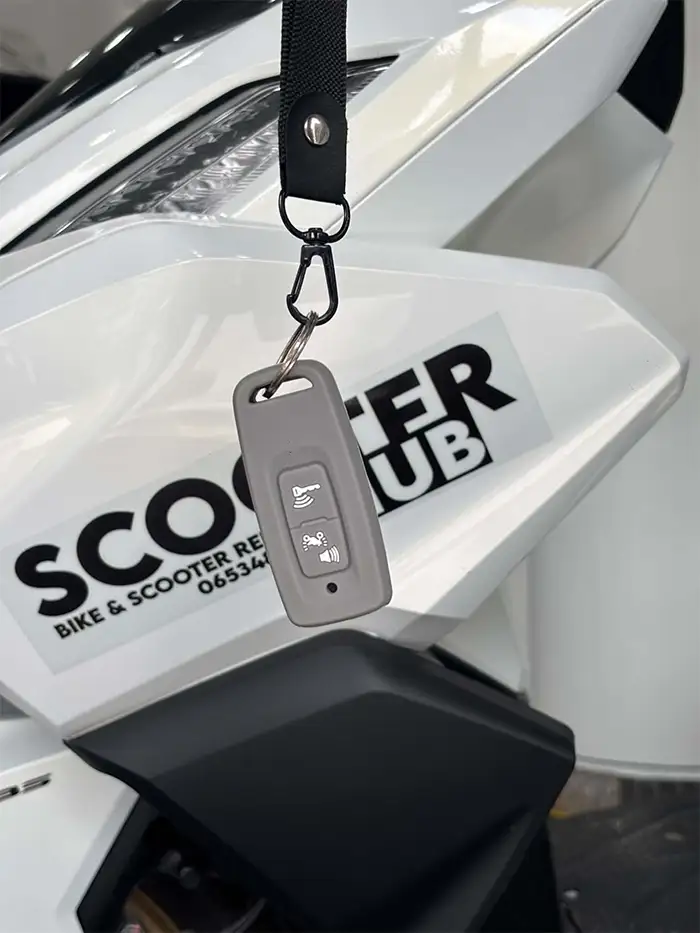
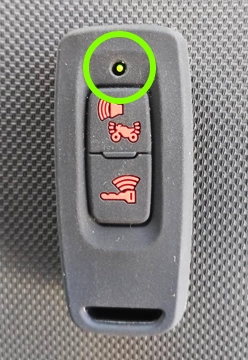
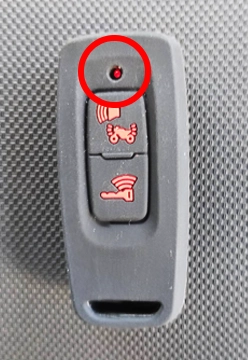
If your ignition switch is stuck and won't let you turn on the bike, the smart key has likely lost connection to the bike. This is a common issue but very easy to fix. If you press the key button (the bottom button) on your smart key while standing close to the bike, it should flash green. Green means your key is connected and synced to the bike. If the key flashes red, it means that is no longer connected or synced. If the light is red you need to reconnect. See below.
We've created helpful videos to demonstrate the starting procedure and troubleshooting tips for the Honda Click 160.
The ignition switch is your main control for the bike. Make sure your smart key is connected (GREEN light on the key fob) before attempting to use the ignition. The switch has four positions: ON, SEAT, OFF, and LOCK.
Follow these three simple steps to start your Honda Click 160:
1. Stand up - Ensure you're standing beside the bike or sitting with both feet on the ground. The bike will not start if the side stand is down.
2. Hold the brake - Squeeze either the front brake lever (right handlebar) or the rear brake lever (left handlebar) firmly. The bike won't start unless a brake is engaged.
3. Press the starter button - Located on the right handlebar, press the starter button. The engine should fire up immediately.
Turn the ignition switch to the SEAT position
Press the seat release button located next to the ignition switch
The seat will pop open, giving you access to the storage compartment
1. Turn the ignition switch to the LOCK position
2. The handlebars will lock in place, preventing steering
3. Always do this when parking to deter theft
We have created an instruction video about problems customers sometimes encounter with the Honda smart keys.
If the ignition switch feels stuck and won't turn, the smart key has likely lost connection (desync) with the bike. Here's how to fix it:
300B
PER DAY
1500B
PER WEEK
2600B
TWO WEEKS
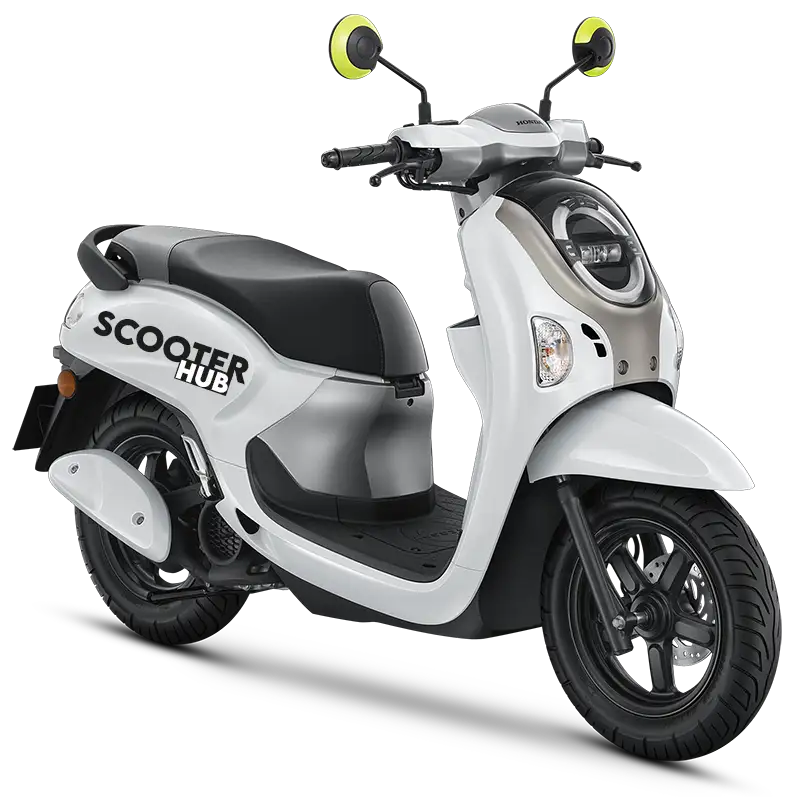
Honda Scoopy 110cc
Honda Scoopy –incredibly popular with locals due to it being light, nimble, easy to ride, and perfect for navigating the streets of Nimmanhaemen and the Old Town. Its low seat height makes it a top pick for shorter riders. Not recommended for Doi Suthep or other mountain trips (save those for our Click 160cc), but ideal for easy, breezy urban exploring.
400B
PER DAY
2400B
PER WEEK
3600B
TWO WEEKS
4500B
PER MONTH
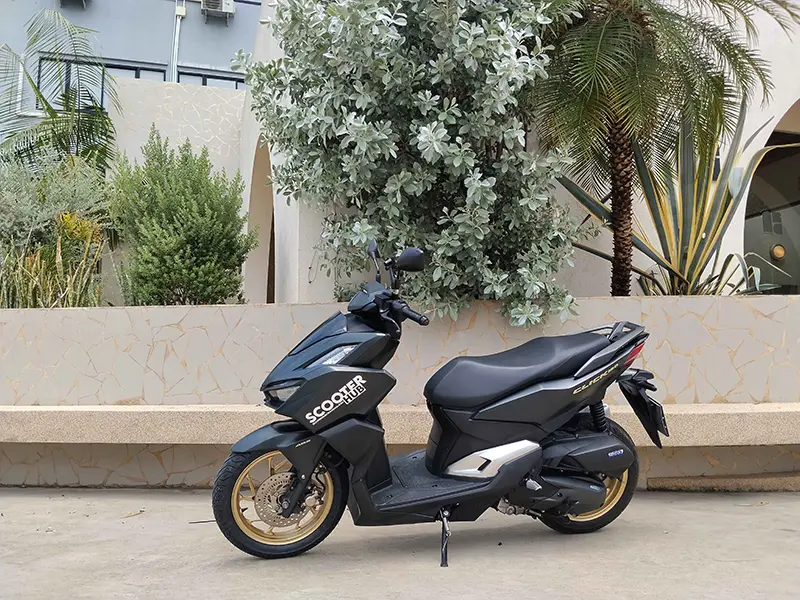
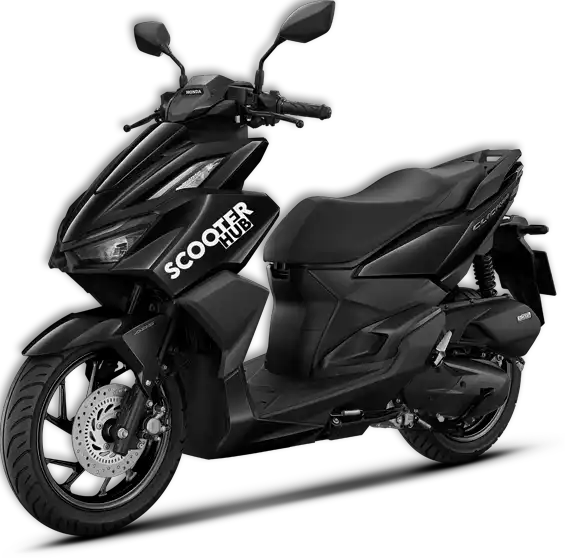
Honda Click 160cc
With many years of experience riding different bikes in Chiang Mai, we honestly believe the Honda Click 160cc is the best bike for the job! It handles Chiang Mai's Old City traffic with ease while offering the extra power you need for mountain roads like the Samoeng Loop and Doi Suthep. It's the perfect scooter for this city.
Visit our homepageWe accept 支付宝, 微信支付 and Thai QR Payment